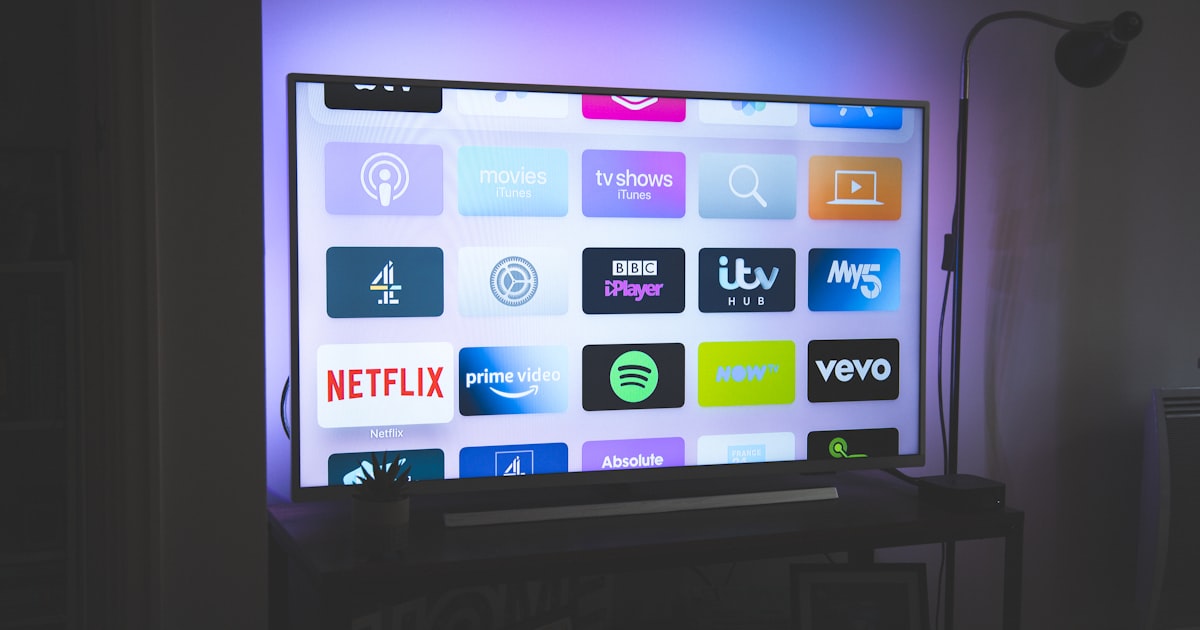
One Remote for Everything
You know the scene: three remotes on the coffee table, none of which seem to do what you need. The TV's on but showing the wrong input. The soundbar isn't working. And you just want to watch a show.
It doesn't have to be this complicated.
The Simplest Path: Apple TV
If you're in the Apple ecosystem, an Apple TV might be all you need. One small remote controls everything - TV power, volume, and all your streaming apps in one place. It can even control your soundbar.
Say "Hey Siri, play Ted Lasso" and it just works. No input switching, no fumbling with remotes.
For Non-Apple Homes
Roku or Fire TV Stick can simplify things similarly. They consolidate your streaming apps and their remotes can control TV power and volume.
Harmony remotes (while discontinued, still work great) can control everything - even that old DVD player and your cable box. One button press can turn on the TV, switch to the right input, turn on the soundbar, and dim the lights.
Voice Control Options
If you have an Alexa or Google Home speaker, you can often control your TV with voice:
- "Alexa, turn on the TV"
- "Hey Google, play Netflix"
- "Siri, turn up the volume"
This works best when your TV and streaming devices support the same ecosystem.
The Bigger Picture
Media control is part of your smart home. You can create scenes like "Movie Night" that dims the lights, turns on the TV, and sets the soundbar to surround mode - all with one tap or voice command.
When to Get Help
If you've got a complex setup - maybe a receiver, multiple streaming devices, a soundbar, and a cable box - getting it all to work together smoothly can be tricky. We can configure everything so anyone in the family can use it without a manual.
Frustrated with your entertainment setup? We can simplify it so watching TV is actually relaxing again. Let's fix it together.